
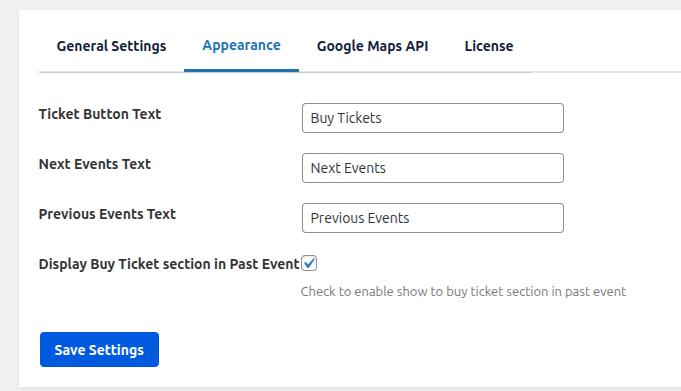
Ticket Button Text : Use this option to customize the text displayed on the ticket purchase button. This allows you to change the default “Buy Tickets” label to any text you prefer across all events.
Next Events Text : Use this option to customize the label for the next events navigation button. This helps you control how the next events section is labeled on the frontend.
Previous Events Text : Use this option to customize the label for the previous events navigation button. This allows you to change how users navigate to earlier events.
Display Buy Ticket section in Past Event : Enable this option to display the ticket purchase section on past events. When enabled, users will still see the ticket section even if the event date has already passed. Disable this option if you want to hide the ticket section for past events.