
You are also going to need to know the Ticketmaster Consumer Key. You can obtain these keys by visiting the Ticketmaster Developer website by the login.
Once done, login you can Click Here to go to create API key.. and click it “ADD A NEW APP” button.
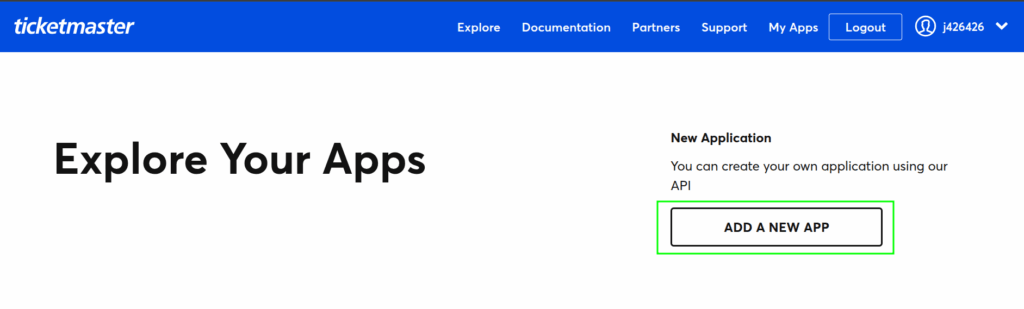
Now fill in the details in the given form and click the “Create Application” button.

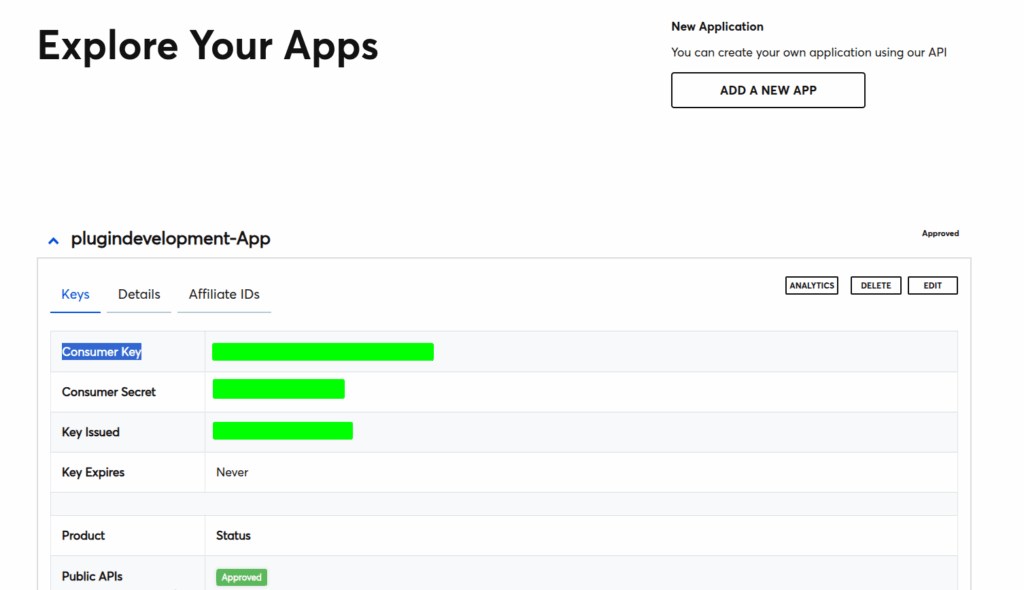
Once app is created, Click on your App name, you get the Ticketmaster Consumer Key shown in the below screenshot. please copy the Consumer Key.
Enter the Ticketmaster Consumer Key in the “Ticketmaster Consumer Key” field on the WP Event Aggregator plugin settings page in your WordPress site.
Don’t forget to click the ‘Save Settings’ button to store your changes.
