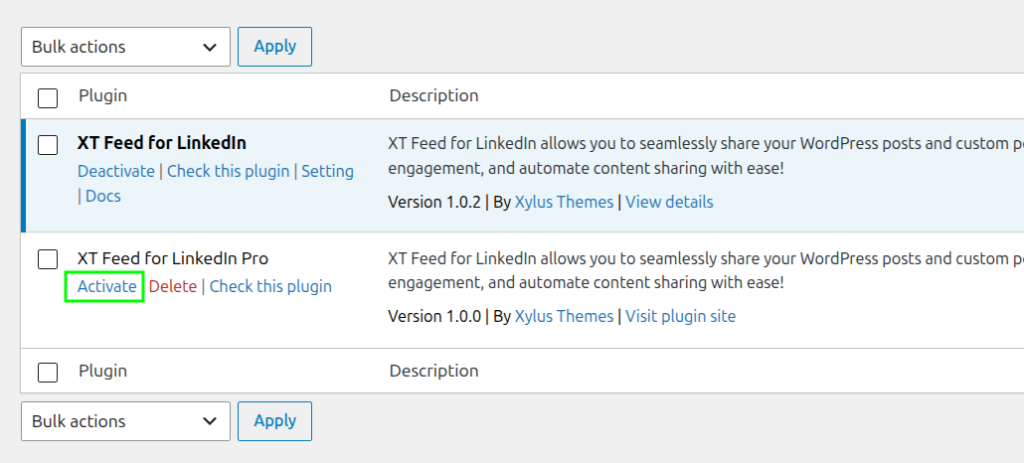
This plugin can be installed directly from your site.
Step 1:
Free plugin XT Feed for LinkedIn are required to use the latest version of XT Feed for LinkedIn Pro. So you need to install XT Feed for LinkedIn (Free). You can see how to install XT Feed for LinkedIn (free) from Here.
Step 2:
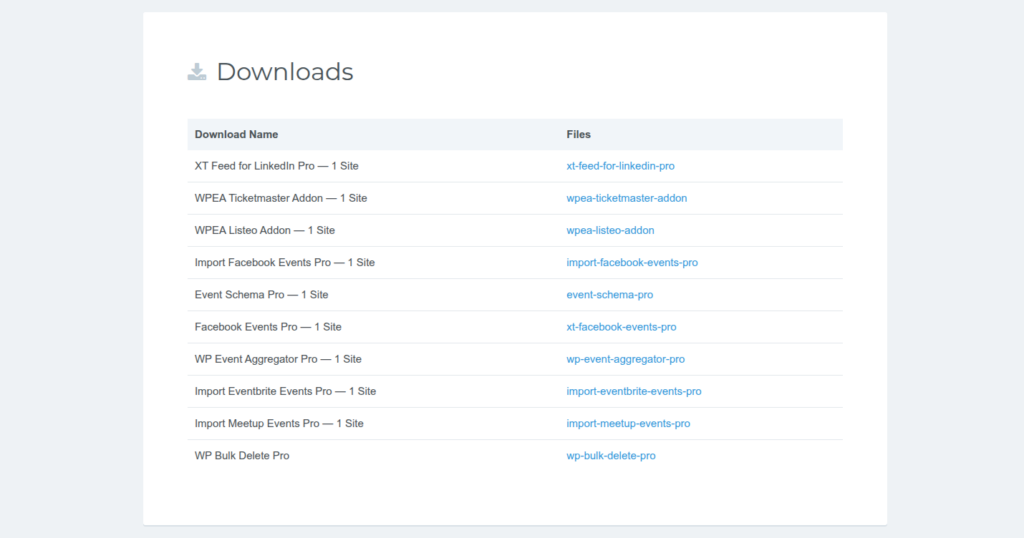
1. Download the “XT Feed for LinkedIn Pro” plugin from your profile, click on the link https://xylusthemes.com/my-account
2. Clicking on the link Will open a login form in Enter your login details in the login form and Click on the login button
3. After clicking on the login button, the downloads section opens and by clicking on the name of the Plugin, the latest Pro version of the Plugin is downloaded.
Step 3:
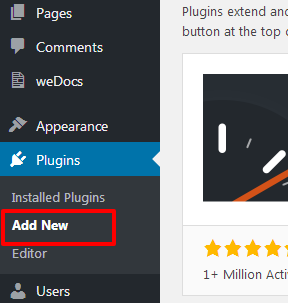
Log in and navigate to Plugins & Add New.
Step 4:
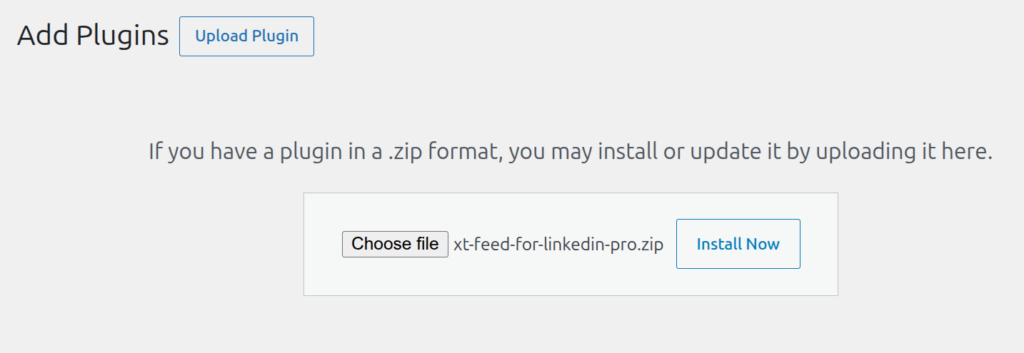
Click on the Upload plugin button and upload the “XT Feed for LinkedIn Pro” zip file and click on the install now button.
Step 5:
Locate “XT Feed for LinkedIn Pro” in the list and click the “Activate” link.