
Every Live Feed you create gets its own auto-generated shortcode, shown at the top of its builder screen and also in the Facebook Events > Live Feed list under a Shortcode column (click it to copy).
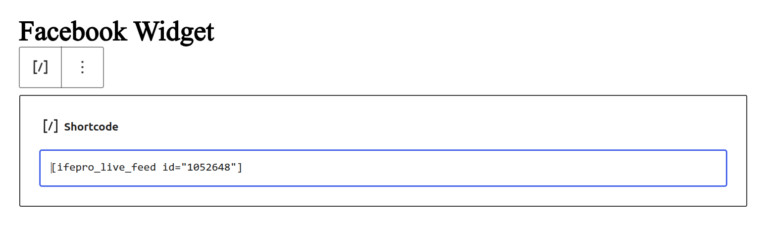
Basic usage
[ifepro_live_feed id="123"]
Replace 123 with your feed’s own ID — that’s all most users need, since layout, columns, filters, etc. are already configured in the builder.
Optional attributes (override the builder settings)
You can override specific settings directly in the shortcode without editing the feed itself:
[ifepro_live_feed id="123" columns="2" per_page="6" layout="list"]
| Attribute | What it does | Example values |
|---|---|---|
id | Which Live Feed to display (required) | 123 |
columns | Overrides the number of columns | 1, 2, 3, 4 |
per_page | Overrides events shown per page | 6, 12, 20 … |
layout | Overrides the layout | card-grid, list, masonry, minimal-grid, compact-list, timeline, ticket-list |
time_filter | Overrides the date filter | today, upcoming_week, upcoming_month, all |
Where can I use it?
Anywhere shortcodes are supported: pages, posts, widgets areas that accept shortcodes, and most page builders via their “Shortcode” element.