
Open the Filters tab to control which events show up and how many load at a time.
Time Filter
Control which events show up based on date:
- Today
- Upcoming Week
- Upcoming 15 Days
- Upcoming Month
- All Upcoming / Current
- Custom Date Range — pick your own Start Date and End Date
- All (No Filter)
- Past Events — Eventbrite only
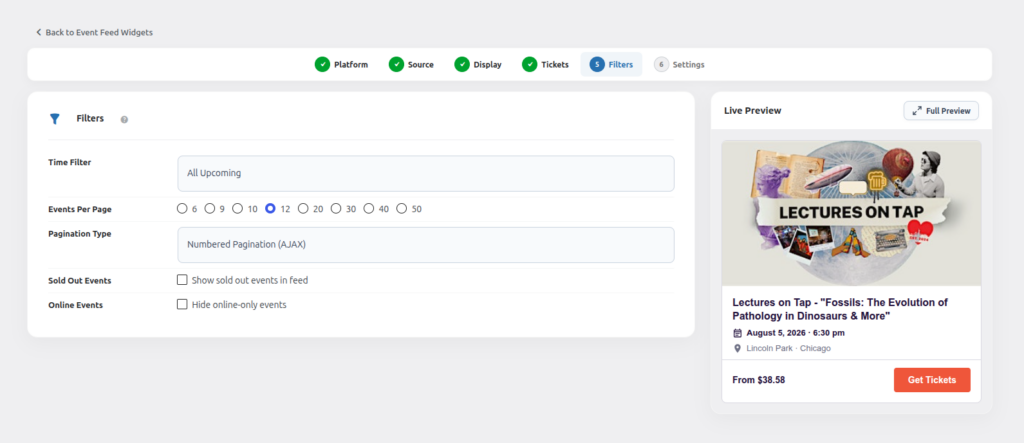
Events Per Page
Choose how many events load at once: 6, 9, 10, 12, 20, 30, 40 or 50.
Pagination Type
- Numbered Pagination (AJAX) — classic page numbers, loads without a full page refresh.
- Load More Button — a button visitors click to fetch more events.
- Infinite Scroll — more events load automatically as the visitor scrolls down.
- No Pagination (Show All) — every matching event is shown on one page.
Sold Out Events (Eventbrite only)
Choose whether to include sold out Eventbrite events in the feed.
Online Events
Hide online-only events if you only want to promote physical, in-person events. Works across all three platforms.