
If you use the WordPress block editor, you can add events without touching any shortcode.
Step 1: Open a page/post in the block editor and click the + icon to add a block.
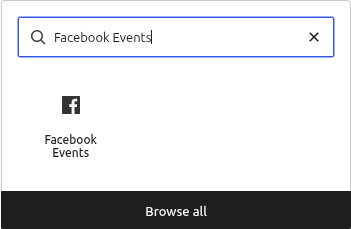
Step 2: Search for Facebook Events and select the block.
Step 3: Fill in the block’s settings panel on the right — Facebook Page ID, number of events, columns, and style — the same options available in the classic grid shortcode.
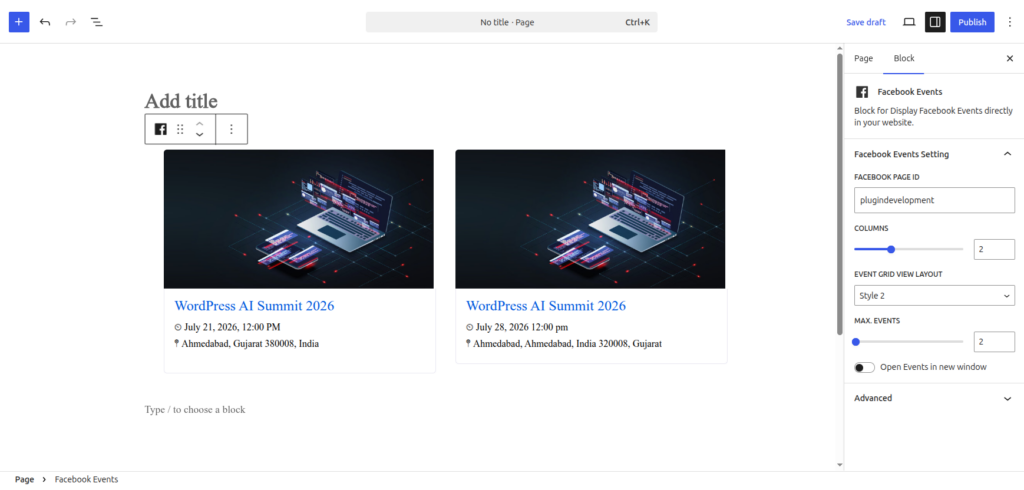
Step 4: Publish/update the page to see it live.

Note: This block uses the Classic (OAuth) display method, so Facebook Account Authorization must be completed first.