
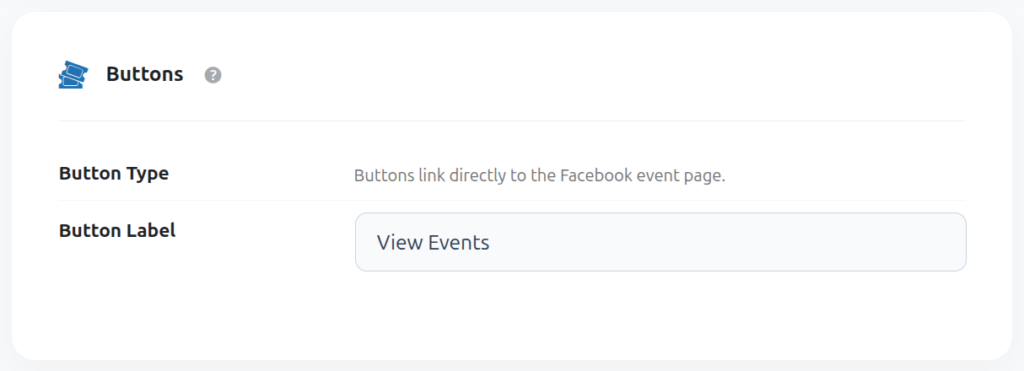
Button label (Buttons tab)
Each event card can show a call-to-action button that links directly to the event’s Facebook page. Set your own text in Button Label (e.g. “View Event”, “RSVP”, “Get Tickets”).
Time Filter (Filters tab)
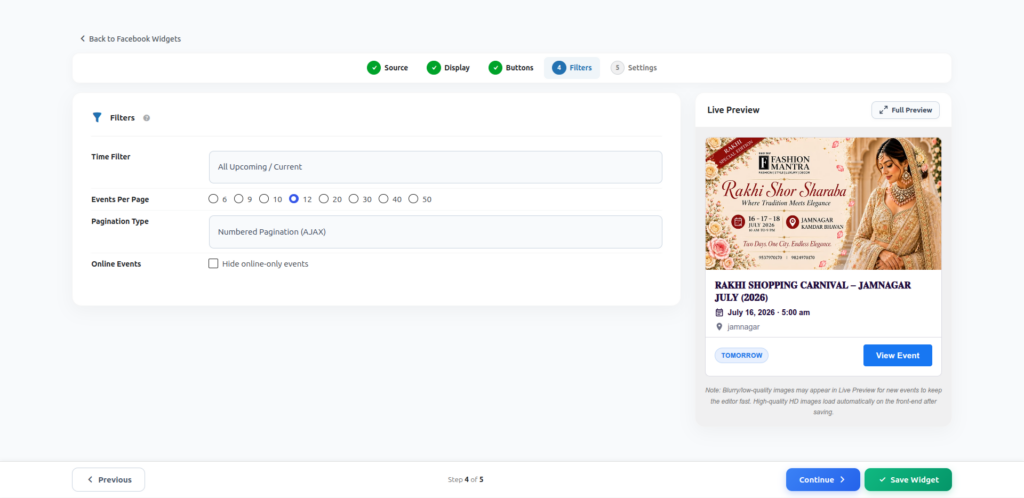
Control which events show up based on date:
- Today
- Upcoming Week
- Upcoming 15 Days
- Upcoming Month
- All Upcoming / Current
- Custom Date Range — pick your own Start Date and End Date
- All (No Filter)
Events Per Page
Choose how many events load at once: 6, 9, 10, 12, 20, 30, 40 or 50.
Pagination Type
- Numbered Pagination (AJAX) — classic page numbers, loads without a full page refresh.
- Load More Button — a button visitors click to fetch more events.
- Infinite Scroll — more events load automatically as the visitor scrolls down.
- No Pagination (Show All) — every matching event is shown on one page.