
The License tab only appears once the Pro plugin is installed and activated (see Plugin Installation).
Activating your license
Go to Facebook Events > License, paste your license key, and click Save Changes.
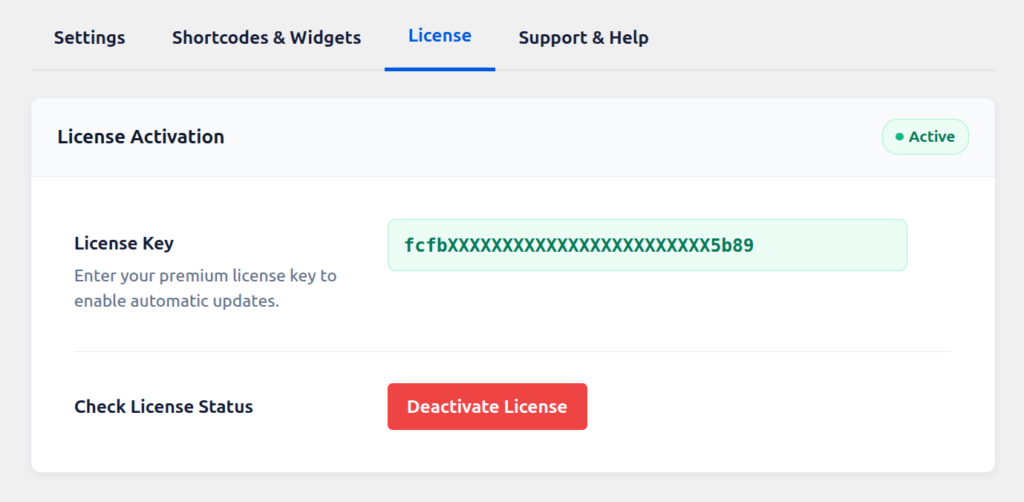
You can find your license key anytime by logging in to https://xylusthemes.com/my-account/.
What activation unlocks
- All Live Feed sources: Group URL/ID, Event IDs, iCal URL.
- All Live Feed layouts: Masonry, Minimal Grid, Compact List, Timeline, Ticket.
- Classic Grid View and Style 2 layouts.
- One year of updates and priority support.
Renewals
Each purchase includes the plugin files plus one year of updates and support. Near the end of the year, you’ll get a reminder to renew at a 20% discount. If you don’t renew, the plugin keeps working, but you won’t receive further updates or support until you renew.