
The Live Feed is the fastest way to show Facebook events on your site. There is no Facebook App, no login and no access token involved — just point it at a public Facebook Page.
Step 1: Open the Live Feed builder
Go to WordPress Admin > Facebook Events > Live Feed > Add New Facebook Widget.
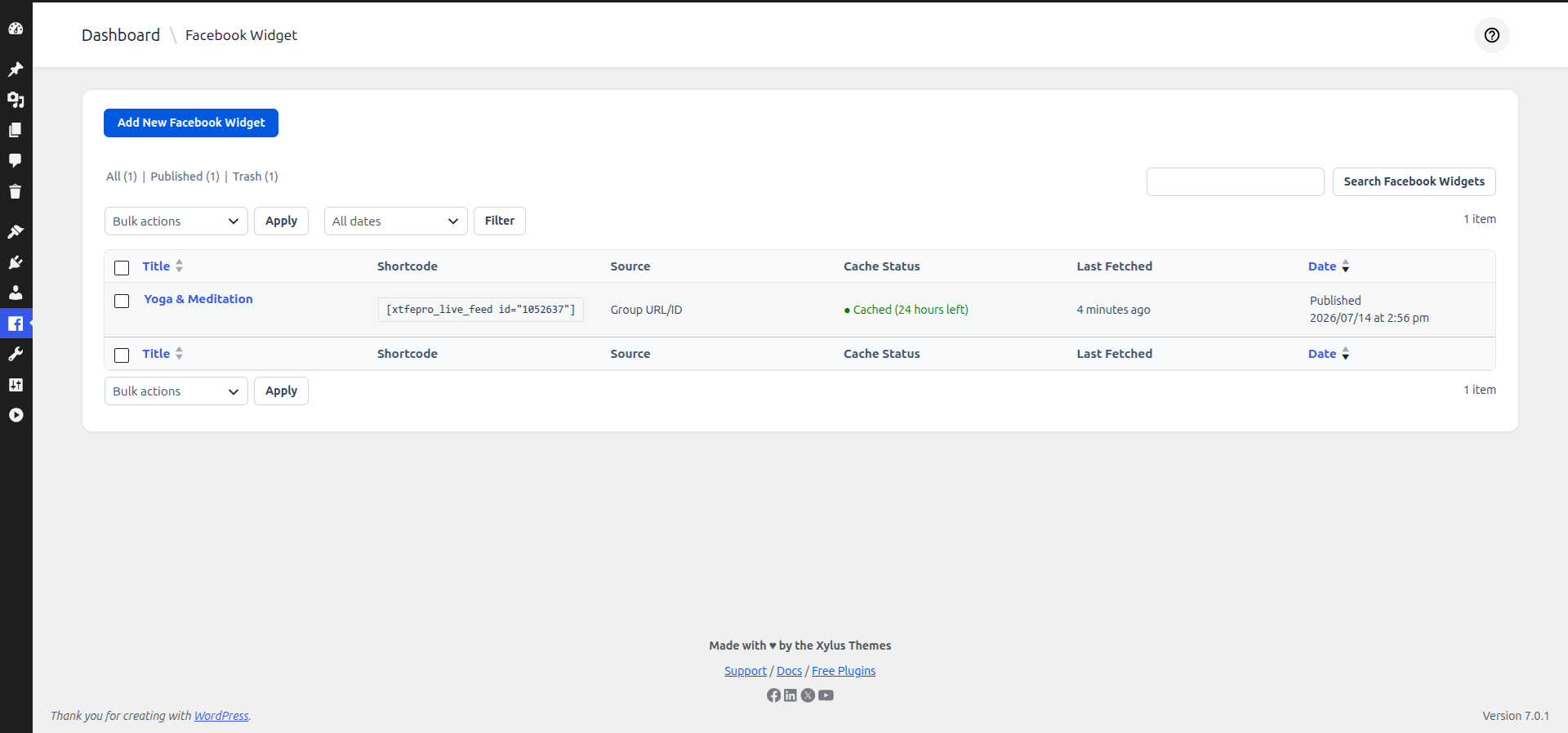
Step 2: Give your feed a name
This name is only for your own reference inside the admin (e.g. “Homepage Events”), it is not shown to visitors.
Step 3: Add your Facebook Page
In the Source tab, keep Facebook Page ID/Slug selected and enter the Page’s username or numeric ID.
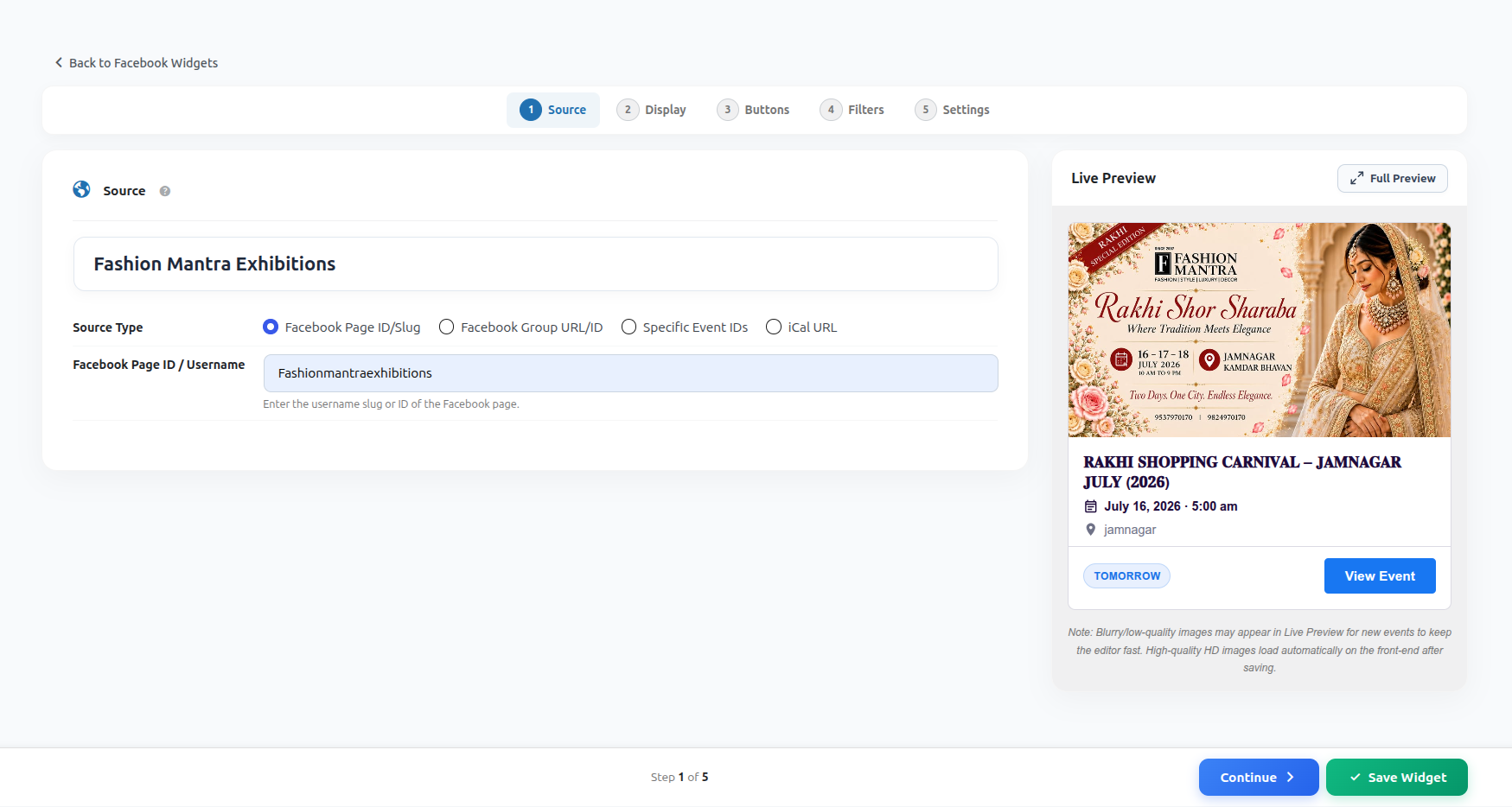
Example: for just enter Fashionmantraexhibitions.
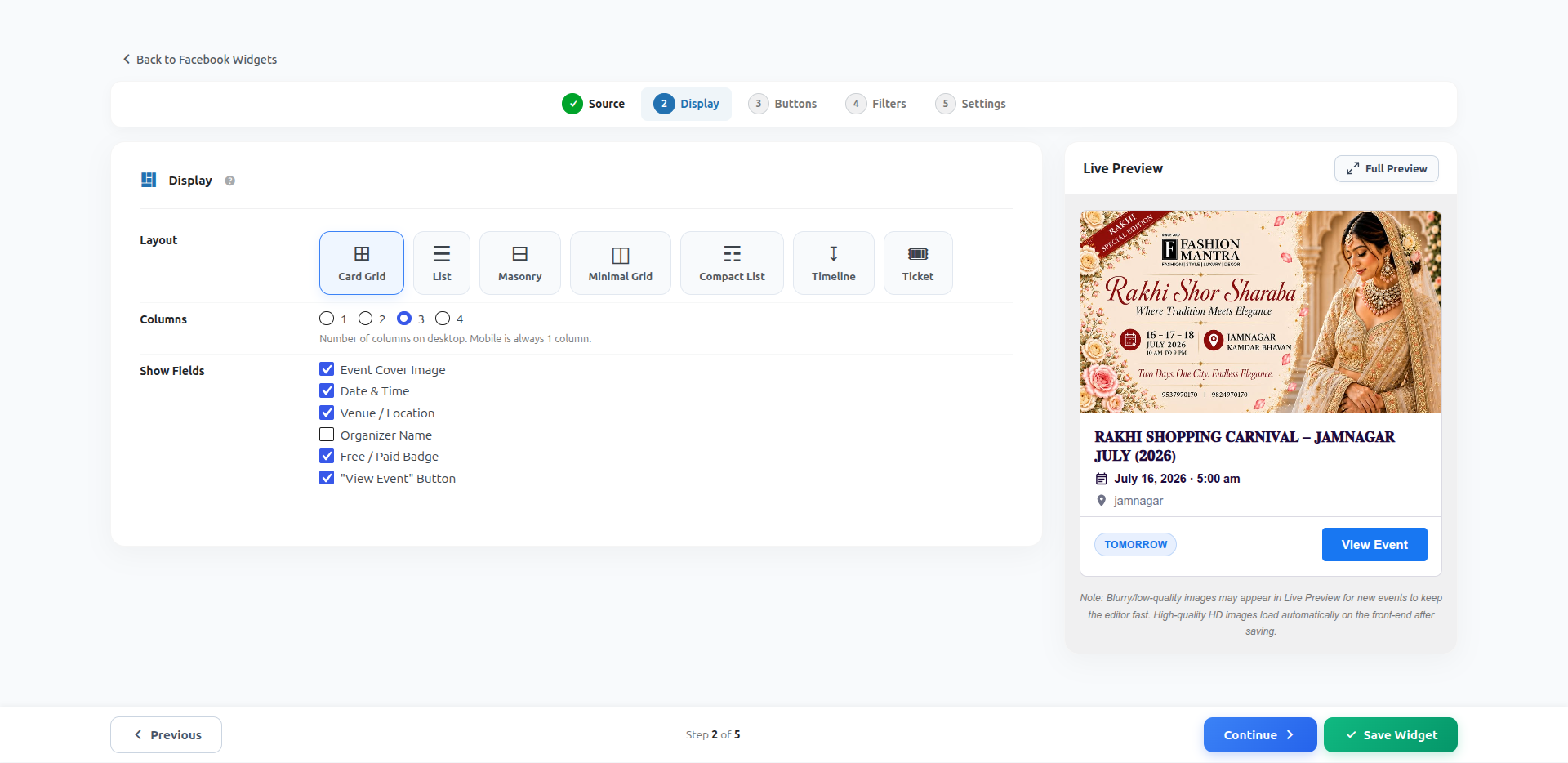
Step 4: Choose a layout
Switch to the Display tab and pick Card Grid or List. Choose how many columns to show on desktop.
Step 5: Publish and copy the shortcode
Click Publish. A shortcode box appears at the top of the builder — click it to copy.

[xtfepro_live_feed id="123"]
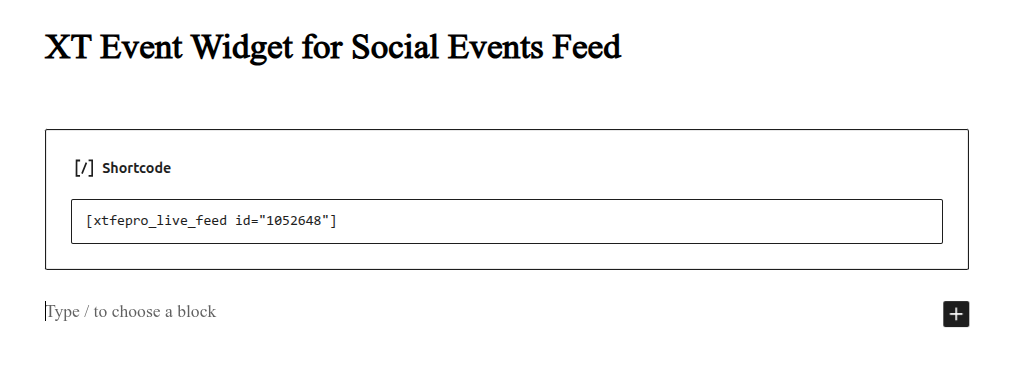
Step 6: Paste it on any page or post
Open the page where you want events to appear, add a Shortcode block (or a Classic Editor shortcode box) and paste the code from Step 5. Publish/update the page.
Result
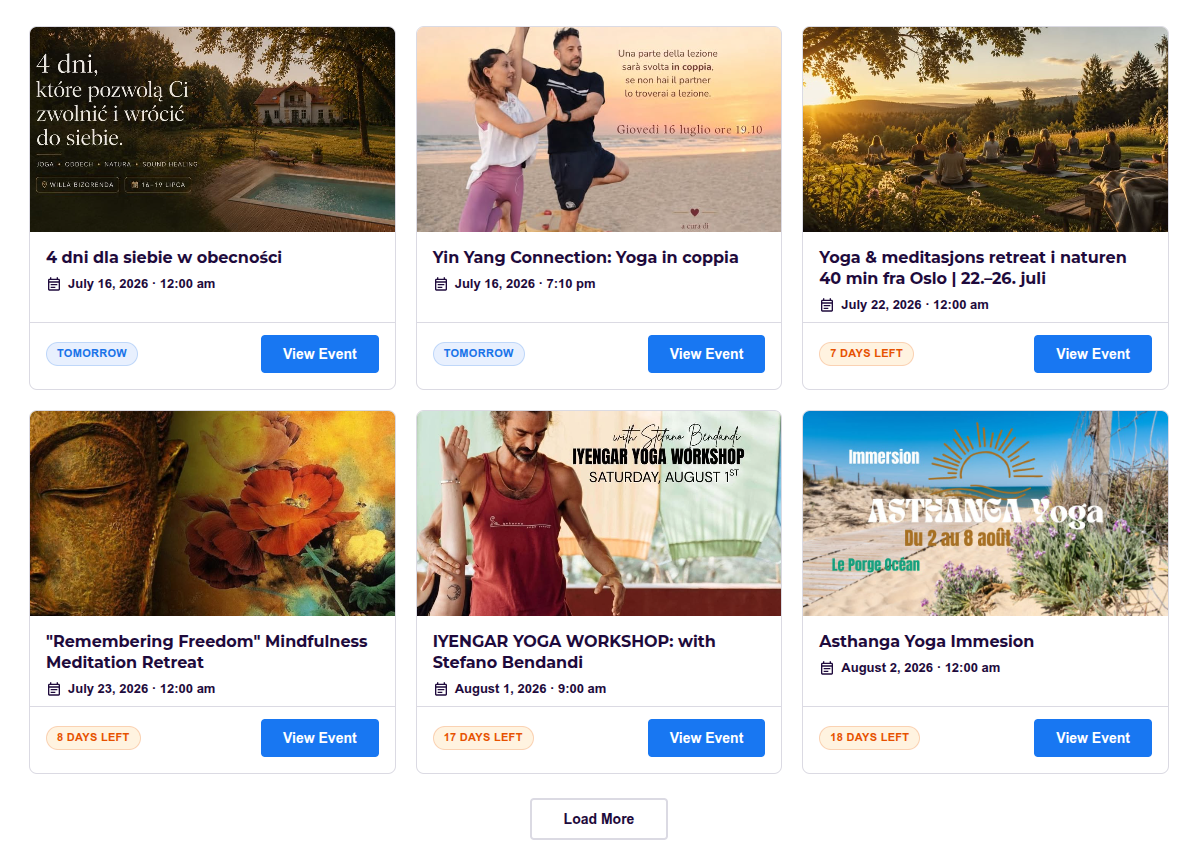
Your Facebook events are now live on your website. The plugin fetches events from the public Page in the background and caches them, so your page stays fast — see Cache, Auto-Refresh & Custom CSS for how caching works.
What to configure next
- Source Options — pull events from a Group, specific Event IDs, or an iCal URL.
- Layouts & Display Settings — more layout styles and which fields to show on each card.
- Buttons, Filters & Pagination — button label, date-range filters, events per page.