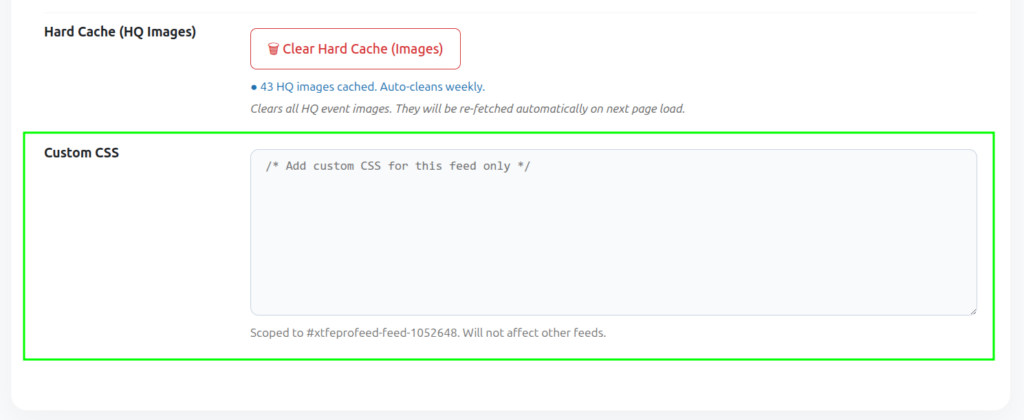
Open the Settings tab in the Live Feed builder for performance and styling options.
Cache Duration
The plugin fetches events from Facebook once per this interval and serves cached data in between, so your page always loads fast.
- 1 Hour
- 6 Hours
- 12 Hours
- 24 Hours (default)
- Custom — enter any number of hours
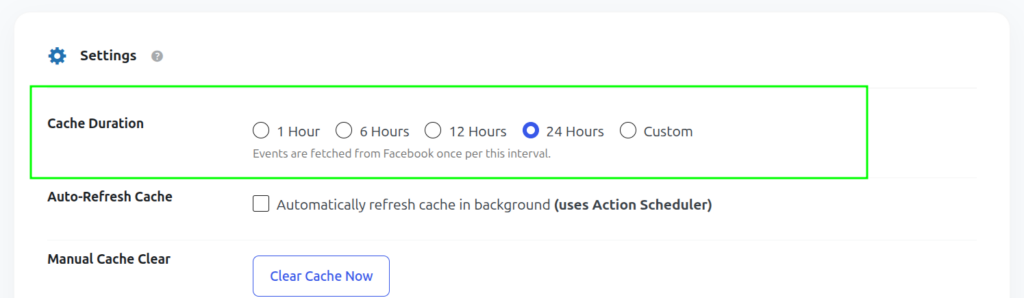
Auto-Refresh Cache
When enabled, the plugin automatically refreshes the cached events in the background at your chosen interval, so visitors never trigger a slow live fetch. This uses WordPress’s built-in Action Scheduler.
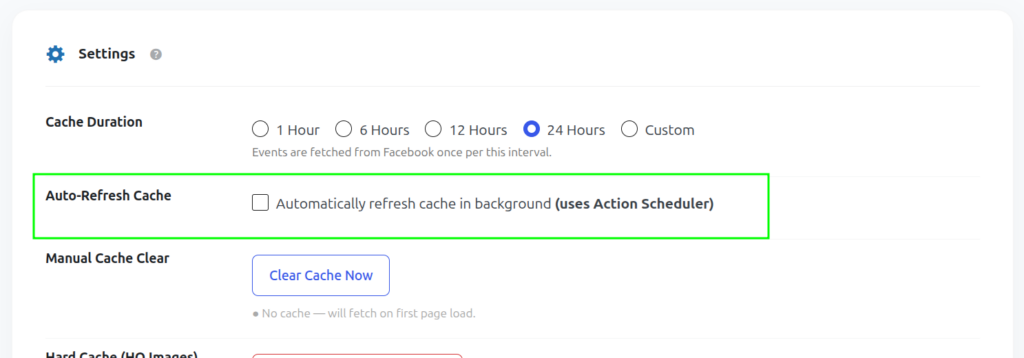
Clear Cache manually
Go to Facebook Events > Live Feed, hover over a feed in the list and click Clear Cache to force an immediate refresh — useful right after you’ve added a new event on Facebook.
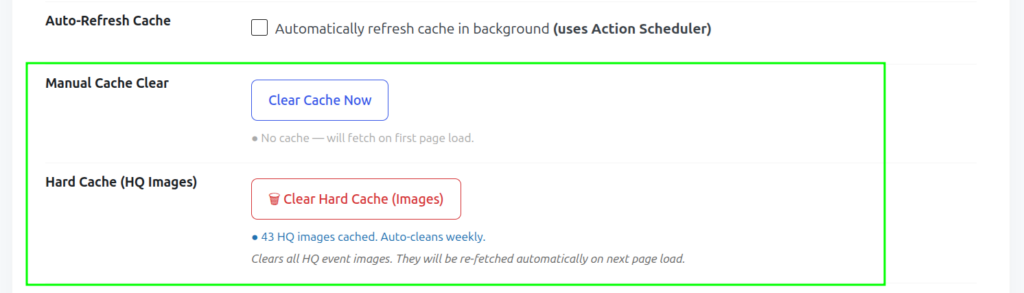
Custom CSS
Use the Custom CSS box to fine-tune spacing, colors, fonts or card shadows for this specific feed, without touching your theme files.