
Welcome to the Xylus Frontend Event Submission plugin! We are absolutely thrilled to have you on board. This plugin was built with one primary goal: to make event management a breeze by allowing your community to submit their own events directly from the front end of your website.
By keeping users on the front end, you provide a beautiful, seamless experience while keeping your WordPress admin dashboard secure and restricted.
Installation and Activation
Getting started is incredibly quick and easy. Just follow these simple steps:
- Download the plugin ZIP file from your Xylus Themes account dashboard.
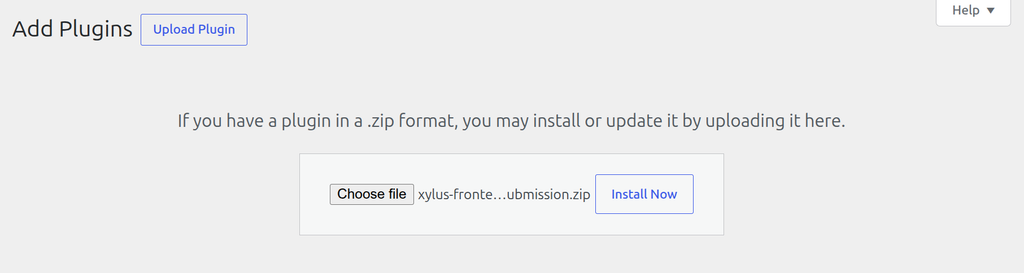
- Log in to your WordPress dashboard and navigate to Plugins > Add New > Upload Plugin.
- Select the ZIP file you just downloaded and click Install Now.
- Once the installation completes, hit Activate. You’re all set!
Welcome to the Xylus Frontend Event Submission plugin! We’re thrilled to have you on board. This add-on does one job really well: it lets your visitors and members submit events straight from the front end of your site — no admin login required — and hands those events off to whichever calendar plugin you already use.
Instead of emailing you event details or asking for admin access, your community fills out a clean, front-end form. You stay in control — every submission can be reviewed and approved before it ever goes live — while your WordPress dashboard stays private and secure.
What This Plugin Actually Does
- Collects events from the public via a simple shortcode-based form (no page builder or coding needed).
- Sends the event to your real calendar plugin — Easy Events Calendar, WP Event Aggregator, Import Meetup Events, Import Facebook Events, or Import Eventbrite Events — using the exact same post type, so it shows up on your calendar exactly like a normal event.
- Lets submitters track their own events with a personal “My Submissions” page.
- Moderates, notifies, and logs everything automatically — approvals, rejections, email delivery, and spam blocking are all built in.
Before You Install: What You Need
This plugin is an add-on — it doesn’t create its own calendar. Make sure at least one of the following is already installed and active on your site, since Xylus Frontend Event Submission simply feeds events into it:
- Easy Events Calendar
- WP Event Aggregator
- Import Meetup Events
- Import Facebook Events
- Import Eventbrite Events
Don’t worry about choosing manually — during activation the plugin auto-detects which of these is active and pre-selects it for you. You can always change this later under Settings > General > Target Event Plugin. See the Supported Event Plugins page for details on each one.
Installation and Activation
- Download the plugin ZIP file from your Xylus Themes account dashboard.
- In your WordPress admin, go to Plugins > Add New > Upload Plugin.
- Choose the ZIP file and click Install Now.
- Click Activate. You’ll be redirected to a welcome/setup screen automatically.
- Confirm the auto-detected Target Event Plugin on the General settings tab (or pick the correct one if you run more than one calendar plugin).
Quick Start: Get a Form Live in 2 Minutes
- Create a new Page (e.g. “Submit an Event”).
- Add the shortcode
[xylus_event_submit_form]to it and publish. - Optionally create a second page (e.g. “My Events”) with
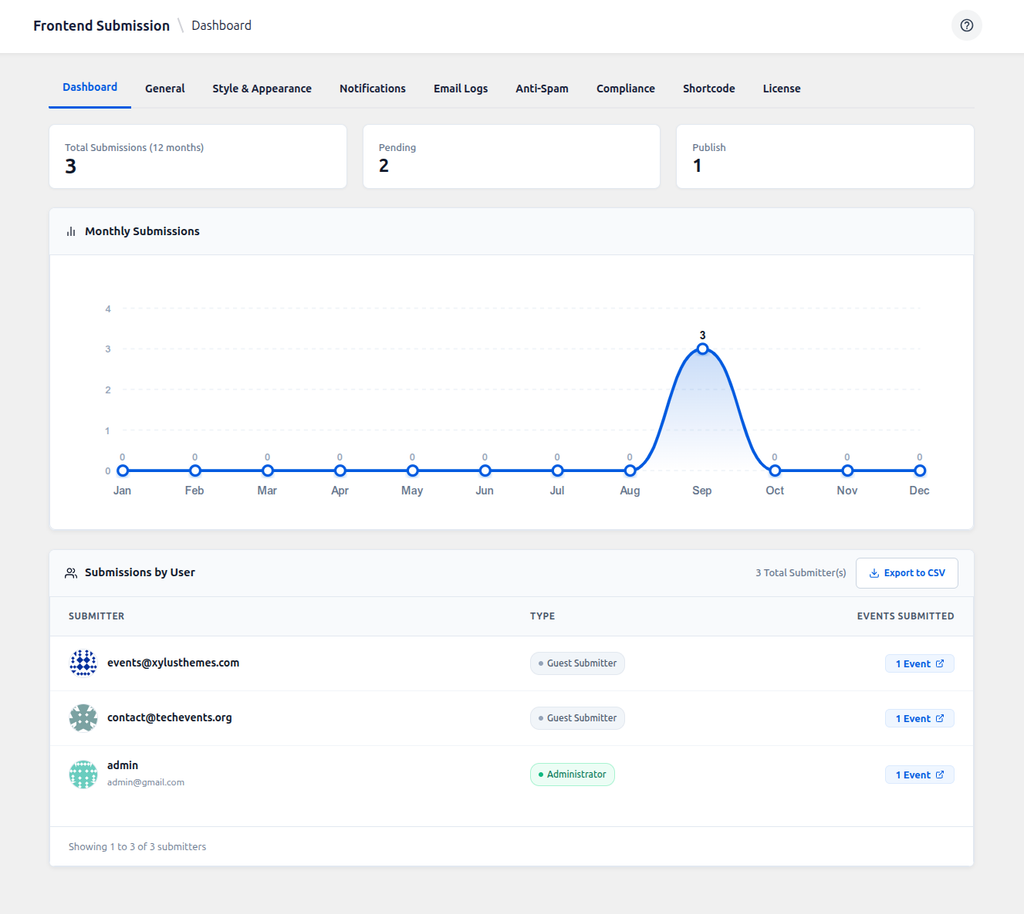
[xylus_my_event_submissions]so logged-in users can track what they’ve sent in. - Submit a test event yourself, then check Xylus Frontend Events > Dashboard to see it appear.
That’s it — you’re live! Continue to The Frontend Submission Form to learn what fields users see, or jump straight to Settings: General to fine-tune moderation and behaviour.